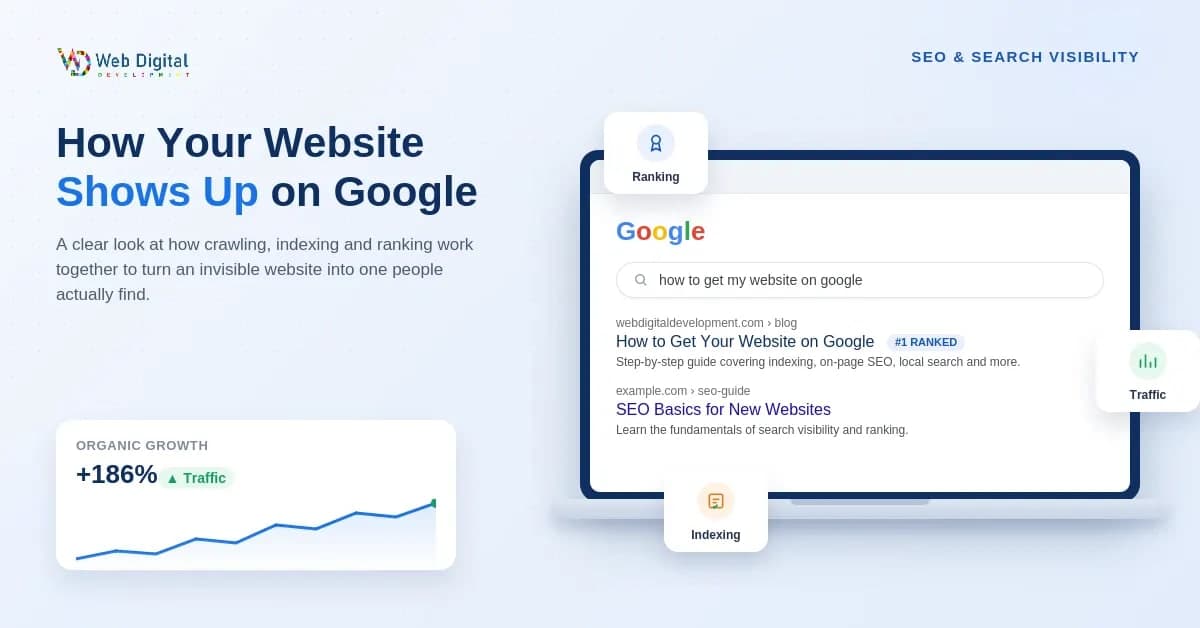
Website not showing on Google? Here's the exact step-by-step process — crawling, indexing, ranking, local SEO, and AI search — to get found, explained simply.
You built the website. You launched it. You probably even shared it on WhatsApp status a few times. And then... nothing. No traffic, no enquiries, no one telling you "hey, I found you on Google."
If you've searched your own website's name and come up empty, take a breath — this happens to almost every new website owner, not just you. It's not a sign you did something wrong. It's just that nobody explained the actual process, so let's fix that. Below is exactly what needs to happen, in order, for your site to start showing up.
Why Isn't My Website Showing Up on Google?
Before we get into fixes, it helps to know what Google is actually looking for. Three things have to be true at once:
Google knows your website exists and can get around it properly.
A page on your site genuinely matches something people are searching for.
Google trusts that page enough to put it in front of searchers, because it's a good answer to their question.
Skip any one of these, and it doesn't matter how beautiful your homepage is — you'll stay invisible. Most "why can't people find my site" problems come down to the first point: Google simply hasn't found or understood your site properly yet. So that's where we'll start.
Make Sure Google Can Actually Find You
Google mostly discovers pages one of two ways — by following links from sites it already knows, or by reading a sitemap you hand it directly. If your website is new and nobody's linked to it yet, there's a real chance Google doesn't even know it's there.
Here's a quick way to check: search site on Google. If pages show up, you're already indexed, and your real issue is ranking rather than visibility — feel free to jump ahead to the on-page SEO section below. If nothing shows up at all, Google hasn't crawled you yet, and the next steps will take care of that.
Set Up Google Search Console and Submit Your Sitemap
This one step alone does more for a new website than almost anything else on this list. Google Search Console (GSC) is free, and it's basically a direct line between you and Google.
Create a GSC account and verify you own the domain — usually done through a DNS record or a small file upload.
Submit your sitemap, a simple file listing every important page on your site, through the Sitemaps section under Indexing. Most website builders and CMS platforms generate this automatically at yourdomain.com/sitemap.xml.
Use the URL Inspection tool whenever you publish something new, and click "Request Indexing" so Google knows to come take a look.
None of this guarantees instant rankings, but it can cut the wait between publishing a page and seeing it in search results from weeks down to just a few days.
Fix the Technical Blockers Working Against You
Sometimes a site stays invisible because something, quietly, is telling Google not to bother. These issues are easy to miss and just as easy to fix once you know where to look.
Robots.txt and Noindex Tags
Your robots.txt file (sitting at yourdomain.com/robots.txt) tells search engines which parts of your site they're allowed to crawl. It's surprisingly common for a "noindex" tag to get left on a page from the development phase and never removed, quietly keeping it out of search results. Check both in Search Console's Coverage report.
Site Speed and Core Web Vitals
Google pays attention to how fast your pages load, how quickly they respond when someone clicks something, and whether the layout jumps around while loading. Slow sites get crawled less often and tend to rank lower too. Compressing images and picking decent hosting solves most of this on its own — and if performance has been a persistent headache, it's worth a proper website redesign rather than another patch job.
Mobile-Friendliness
Google evaluates your mobile site first these days, not your desktop version — this is called mobile-first indexing. If you're not sure how your site holds up on a phone, run it through Google's free Mobile-Friendly Test.
Get Your On-Page SEO Right
Once Google can actually find and read your site, the next question is whether your pages match what people are typing into the search bar.
Titles and meta descriptions — give every page its own clear, descriptive title (aim for under 60 characters) and a meta description under 160 characters that naturally works in your target keyword.
Headings — one H1 per page, with your supporting points organized under clean H2s and H3s. This helps readers scan and helps Google understand your structure.
Match real search intent, don't stuff keywords — someone typing "web developer near me" wants something different from someone typing "how much does a website cost." Write for both honestly, and skip the awkward keyword repetition — Google's spam policies actively penalize it.
Depth and originality matter — thin, copied, or outdated pages just don't compete well. Aim for content that's genuinely useful and written in your own voice, and go back and refresh older pages instead of letting them sit untouched for years.
If your whole site still needs a foundational rebuild rather than small tweaks, this is usually the point where professional website development earns back its cost quickly.
Win Local Search (Especially If You're in India)
If your business serves a specific city or region — which describes most of the small and mid-sized businesses we work with — local SEO often moves the needle faster than anything else here.
Set Up Your Google Business Profile Properly
Claim it, fill it out completely — business name, category, address, phone number, hours, photos, all of it. This is what gets you into Google Maps and the local "map pack" that shows up above regular search results for searches like "web designer in Delhi" or "fertilizer supplier near me." Keep your name, address, and phone number identical everywhere online. Inconsistency confuses Google and quietly drags your local ranking down.
Get Listed Where Indian Buyers Actually Search
Beyond Google Business Profile, add your business to IndiaMART, JustDial, and Sulekha, plus any directory specific to your industry. For export, agriculture, and B2B businesses in particular, these are often the first places buyers look before they ever type your name into Google. If you'd like the full playbook, we've written a more detailed step-by-step local SEO guide for Delhi businesses that walks through this in more depth.
Build Real Authority With Links
Google treats a link from another website as a small vote of confidence. A handful of links from relevant, trustworthy sources — an industry blog, a local news mention, a partner site — will do far more for you than dozens of low-quality directory links ever will.
Internal links — connect your own pages using descriptive text ("our SEO services" rather than "click here"). This helps Google understand which pages on your site matter most, and helps new pages get discovered faster.
Backlinks — earn them by publishing something worth referencing, guest posting on relevant sites, or getting a mention in local press. One link from a respected source beats a pile of spammy ones every time.
A blog that's actually maintained — regularly updated content gives Google fresh pages to crawl, builds up more indexed content over time, and pulls in long-tail keyword traffic a static site simply can't reach on its own.
Show Up in AI Overviews and AI Search Too (2026 Update)
Search has genuinely changed shape. A growing share of queries now get answered right inside Google's AI Overviews, or through AI assistants that summarize an answer instead of sending someone to click a link. Showing up here takes a few extra habits:
Structure your content with clear headings and put direct, concise answers near the top — AI systems tend to favor well-organized pages that match the intent of a search quickly.
Prioritize accuracy and clear sourcing; trustworthy, well-supported content tends to get pulled forward.
Keep pages updated. AI-driven features lean toward fresher content, especially on fast-moving topics.
Don't throw out traditional SEO to chase this — the same fundamentals (crawlability, genuinely useful content, real backlinks) are still what feed both classic rankings and AI-generated answers.
How Long Does This Actually Take?
Let's be honest, since most guides aren't. Getting indexed can happen within days once your sitemap is submitted and the technical basics are sorted. Getting to page one for a genuinely competitive keyword is a completely different timeline — usually six to twelve months of consistent effort, since most top-ranking pages have been building authority for a year or longer. If it's been three weeks and you're still not ranking, that's normal. It doesn't mean something's broken.
DIY vs. Hiring Someone: A Quick Reality Check
You can absolutely handle everything in this guide yourself, especially the technical setup and basic on-page work. Where it usually makes sense to bring in help is when you're already stretched running the actual business and can't keep up with blogging, backlinks, and Search Console month after month — or when you're in a competitive niche where every bit of an edge counts.
This is generally the kind of work agencies handle end-to-end: technical setup, content, local SEO, and the ongoing tuning that keeps rankings from slipping. If you'd rather not learn SEO as a side hustle while trying to run your business, it's worth talking to an SEO team that can show you real keyword data rather than a vague monthly PDF.
FAQs
How long does it take for a new website to appear on Google?
Indexing can happen within days if you submit your sitemap early and there are no technical blockers. Ranking competitively for your target keywords generally takes several months of steady effort.
Do I have to pay Google to show up in search results?
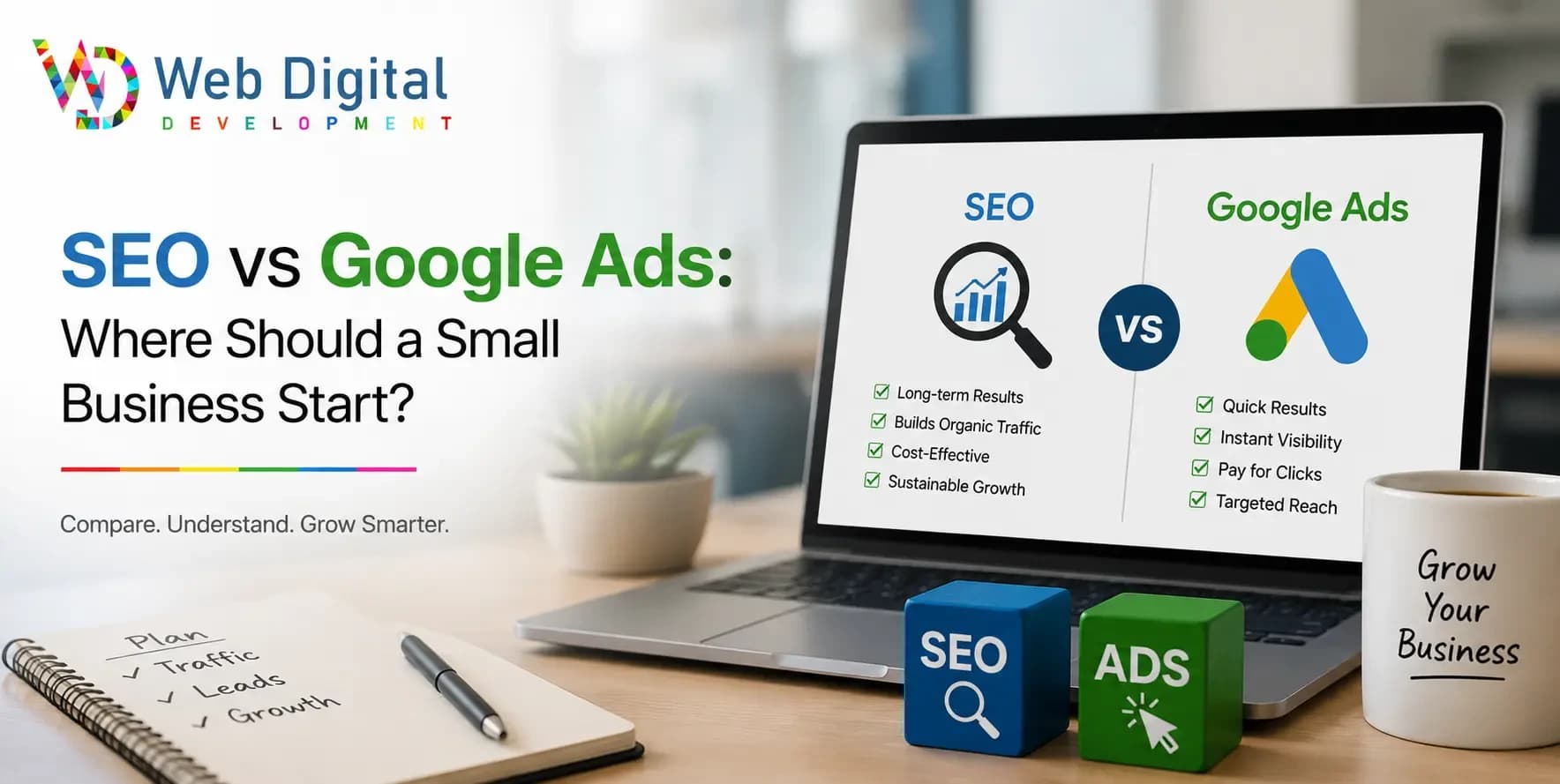
No. Organic search results are free — you only pay if you're running Google Ads for the separate "sponsored" listings above them. Ranking organically is earned, not bought.
My site is indexed but not ranking — why?
Being indexed just means Google knows your page exists; it doesn't promise visibility. This usually points to strong competition, weak on-page optimization, thin content, or too few backlinks — worth revisiting Steps 4 through 6.
Does social media help my Google ranking?
Not directly, but it helps indirectly. More people seeing your content on social media raises the odds that someone links to it from their own website — and that's a real ranking signal.
Can I do SEO myself, or do I need an agency?
You can handle the fundamentals yourself, especially early on. It's worth considering professional help once your time gets tight or you're competing in a crowded market where consistent, ongoing SEO work really matters.
Conclusion & Next Steps
Getting your website to show up on Google isn't about some secret trick — it's about making sure Google can find you, understand you, and trust that your page genuinely deserves to be there, and then giving that trust time to build. Work through these steps in order: get indexed, clear out technical issues, sharpen your content, claim your local presence, earn real authority, and keep an eye on how AI search is reshaping things.
And if you'd rather hand this off entirely, Web Digital Development works with small businesses across India on exactly this — technical SEO, Google Business Profile setup, content, and ongoing link-building, all from one Delhi-based team. Get in touch for a free look at where your site currently stands.