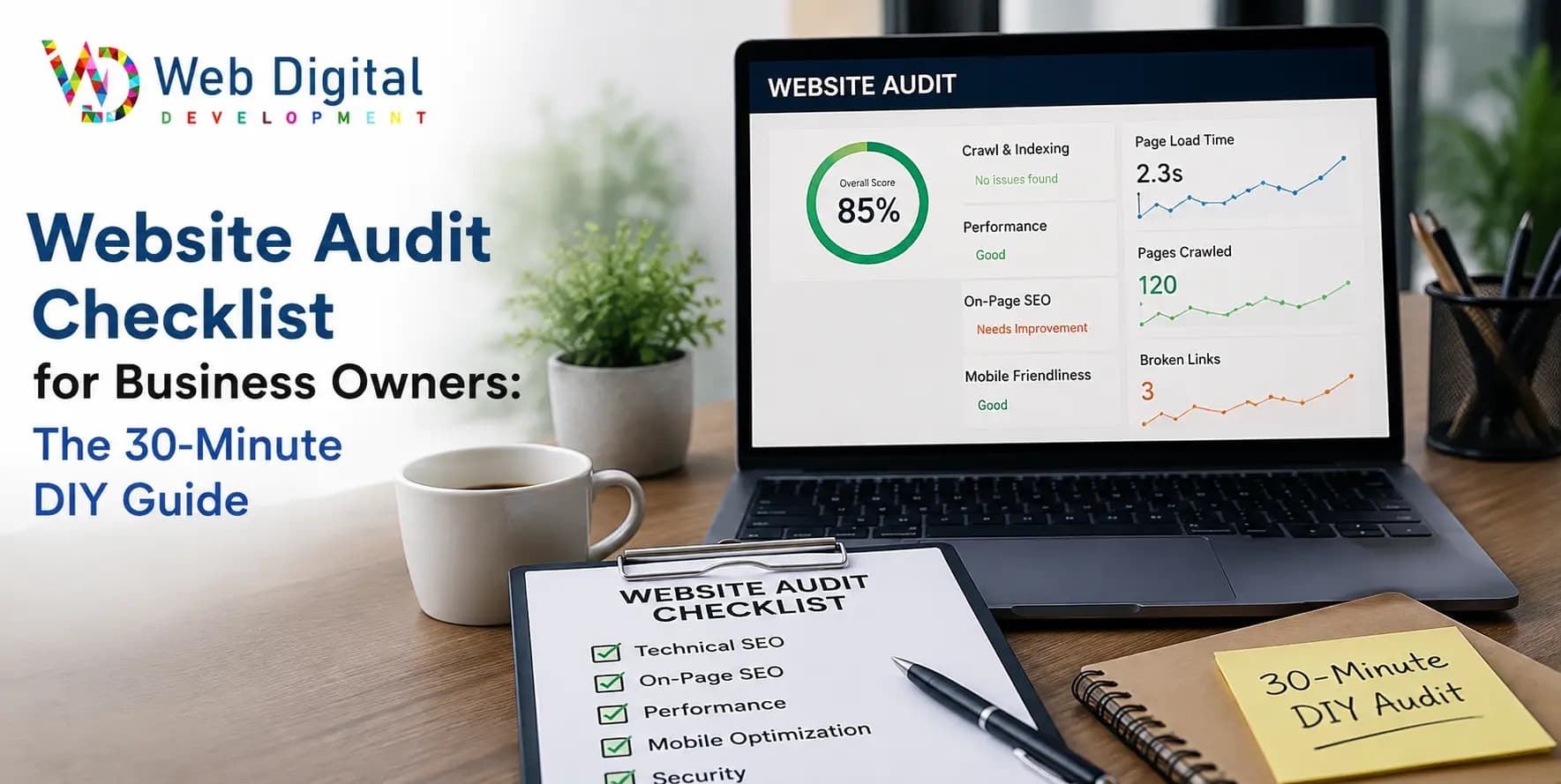
Your website might be quietly losing customers. This 30-minute website audit checklist for business owners covers speed, mobile, SEO, security, and content using free tools — with a simple score and a clear plan for whatever you find.
A website audit is a structured check of everything that decides whether your site wins customers: speed, mobile experience, SEO, security, content, and the paths visitors take to contact you. You don't need an agency to do a useful one — this website audit checklist walks a business owner through the whole thing in about 30 minutes, using free tools, with a simple score at the end.
Why bother? Because websites don't usually fail loudly. They fail quietly — a form that stopped sending last month, a page that takes eight seconds on mobile, a homepage still advertising last year's offer. The business keeps paying for hosting while the site slowly stops earning it.
We've audited hundreds of business websites since 2019 — alongside building 400+ of them for 250+ clients from our studio in Delhi — and the same handful of silent problems shows up in almost every one. This checklist is built around exactly those.
Key Takeaways
- You can run a meaningful website audit yourself in about 30 minutes with free tools — no developer required.
- Check eight areas: first impressions, speed, mobile, functionality, security and trust, SEO basics, content freshness, and AI-search readiness.
- Score each area out of 5. The total tells you whether you need quick fixes, a maintenance plan, or a rebuild conversation.
- The most common silent killer we find isn't design — it's broken forms and pages nobody has tested in months.
- Audit quarterly; glance monthly. Problems caught early are cheap; problems found by customers are not.
What You Need Before You Start
Three things, all free: your own phone (using mobile data, not office Wi-Fi), a browser in incognito mode so you see the site the way a stranger does, and two Google tools — PageSpeed Insights for speed and Search Console for how Google sees your site. If Search Console isn't set up yet, note that as your first finding — flying blind is itself an audit result.
Grade each of the eight sections below from 0 (broken or missing) to 5 (genuinely good). Write the numbers down as you go; the total out of 40 matters at the end.
The 30-Minute Website Audit Checklist
Work through the sections in order — they're sequenced from a stranger's first impression down to the machinery underneath.
1. The five-second test (2 minutes)
Open your homepage in incognito and look at only what's visible before scrolling. Within five seconds, could a stranger answer: what does this business do, who is it for, and what should I do next? Ask someone outside your company to try it — you're too close to your own site to see it fresh. If the answer to any of the three is "not really," nothing else in this audit will fully compensate.
2. Speed (5 minutes)
Run your homepage and one key service page through PageSpeed Insights and look at the mobile score first — that's where your visitors are. As a working rule, the main content should appear within about 2.5 seconds; every extra second visibly costs enquiries. Oversized images are the usual culprit, followed by bloated themes and cheap hosting — our breakdown of why websites load slowly explains where the seconds typically hide and which fixes are easy.
3. Mobile experience (5 minutes)
Now browse the whole site on your phone, on mobile data. Is the text readable without zooming? Are buttons big enough to tap without hitting the one next to them? Does anything overflow the screen or jump around while loading? Try completing your own contact form with your thumb. Most owners check their site on a desktop at launch and never again — meanwhile most of their visitors have never seen the desktop version at all.
4. Forms, links, and functionality (5 minutes)
Submit every form on the site with a real message and confirm it actually arrives — today, not "it worked at launch." Silent form failure is the most expensive fault we find in audits: everything looks fine, and enquiries simply stop arriving. Then click your phone number on mobile (it should dial), test your WhatsApp button if you have one, and click through the main menu and footer links watching for 404 pages.
5. Security and trust (3 minutes)
Check for the padlock: your site should load as https:// with no browser warnings — an expired SSL certificate turns every visitor away at the door. Then the small trust signals visitors notice more than you'd think: is the copyright year in the footer current? Is your name, address, and phone number identical on the website and your Google Business Profile? Are there real testimonials or recognizable client names anywhere?
6. SEO basics (5 minutes)
Search Google for your business name — you should own the first result. Then search for your main service plus your city and see where you honestly stand. In Search Console, look for coverage errors and check which queries bring you traffic. On your key pages: does each have a unique title and meta description, exactly one main heading, and descriptive alt text on images? This section only scratches the surface — a proper technical audit is part of what dedicated SEO services exist for — but even the surface check catches missing titles and pages Google can't see.
7. Content freshness and clarity (3 minutes)
Read your homepage and service pages as a suspicious stranger. Anything outdated — old offers, "coming soon" sections that never came, a blog whose last post is two years old — quietly signals that nobody is home. Check that every important page ends with a specific next step: "Get a quote for your project" beats "Learn more." If the words themselves are the weak point, our guide to website content that converts covers how to fix them.
8. AI-search readiness (2 minutes)
New for this decade: ask ChatGPT or Gemini "who is [your business name]" and "best [your service] in [your city]" and see what comes back. AI assistants recommend sites they can read and quote — clear headings, direct answers, FAQ sections, up-to-date facts. If your site is a wall of vague paragraphs, you're invisible to the fastest-growing way people ask for recommendations. Almost no audit checklist covers this yet, which is exactly why it's worth points.
Score Your Website
Add up your eight section scores. Out of 40, here's what the total means — and what to do about it.
| Score | What it means | What to do |
|---|---|---|
| 34–40 | Healthy site — rare, honestly | Keep a quarterly audit cadence and don't break what works |
| 24–33 | Solid but leaking in places | Fix the two lowest-scoring sections within a month |
| 14–23 | Actively losing customers | Prioritize forms, speed, and mobile now; get ongoing upkeep in place |
| Below 14 | Patching may cost more than replacing | Have the rebuild conversation before spending on fixes |
What to Do With What You Found
An audit is only worth the actions it triggers. Findings sort into three buckets.
Quick wins you can do yourself. Copyright year, outdated offers, vague button text, oversized images, a missing FAQ — most owners can clear these in an afternoon, and they're often worth several points on their own.
Recurring problems that need a routine. If your findings include out-of-date software, no backups, slow pages, or forms nobody tests, the fix isn't a one-time patch — it's upkeep. Our checklist of website maintenance tasks after launch covers what that routine looks like, and our guide to website maintenance costs shows what the market charges so you can budget it sensibly.
Structural problems that no checklist fixes. If the site scored badly almost everywhere — slow on every page, painful on mobile, built on a template nobody can edit — more patching is money down the drain. The honest next step is weighing the signs your website needs a redesign and, if they fit, treating this audit as the brief for proper website development rather than a repair job.
How Often Should You Audit Your Website?
A useful rhythm for a business site: a five-minute glance monthly (submit the form, check the padlock, load the homepage on your phone), this full 30-minute audit quarterly, and a deeper professional audit yearly or before any major marketing spend. The monthly glance matters most — it's the one that catches a broken form in week one instead of month four.
Frequently Asked Questions
What does a website audit include?
A full website audit covers first impressions, loading speed, mobile experience, working forms and links, security and trust signals, on-page SEO, content freshness, and increasingly AI-search readiness. Professional audits go deeper into technical SEO, analytics, and conversion tracking, but those eight areas capture what decides whether visitors become enquiries.
Can I audit my website myself without technical skills?
Yes — meaningfully. Testing your own forms, browsing on your phone, running free speed tools, and reading your content as a stranger requires no technical background, and it catches the majority of expensive problems. What a professional adds is depth: crawl errors, code quality, analytics setup, and a prioritized fix plan.
What free tools do I need for a website audit?
Three cover most of it: Google PageSpeed Insights for speed, Google Search Console for how Google sees and indexes your site, and your own phone on mobile data for the real visitor experience. An incognito browser window helps you see the site fresh, without logins or cached files flattering it.
How long does a website audit take?
A useful self-audit takes about 30 minutes for a typical business website using the checklist above — longer if you have many pages or keep stopping to write down problems as you go. A professional audit typically takes a few days, because it includes crawling every page, analytics review, and a written, prioritized action plan.
How often should a business website be audited?
Quarterly for the full check, with a five-minute monthly glance at the essentials: form submissions, the SSL padlock, and homepage speed on your phone. Audit immediately before spending on ads or SEO — sending paid traffic to a site with a broken form or eight-second load time burns the budget twice.
What should I do if my audit finds serious problems?
Triage before spending. Fix revenue-critical faults first — broken forms, security warnings, unusable mobile pages — then decide whether the rest points to a maintenance routine or a structural rebuild. If most sections scored poorly, get a professional opinion on repair versus rebuild before paying for piecemeal fixes that may not add up.
Final Thoughts
A website audit checklist isn't about perfection — it's about finding out where your site quietly leaks customers before the leak gets expensive. Thirty minutes, free tools, eight scores out of five. Most owners who do this for the first time find at least one fault they had no idea about, and it's usually one a customer found first.
If your score landed in an uncomfortable band, or you'd rather have professional eyes go through all of it — crawl, code, SEO, and a prioritized fix list — talk to Web Digital Development. We'll tell you plainly what's worth fixing, what isn't, and what order to do it in.