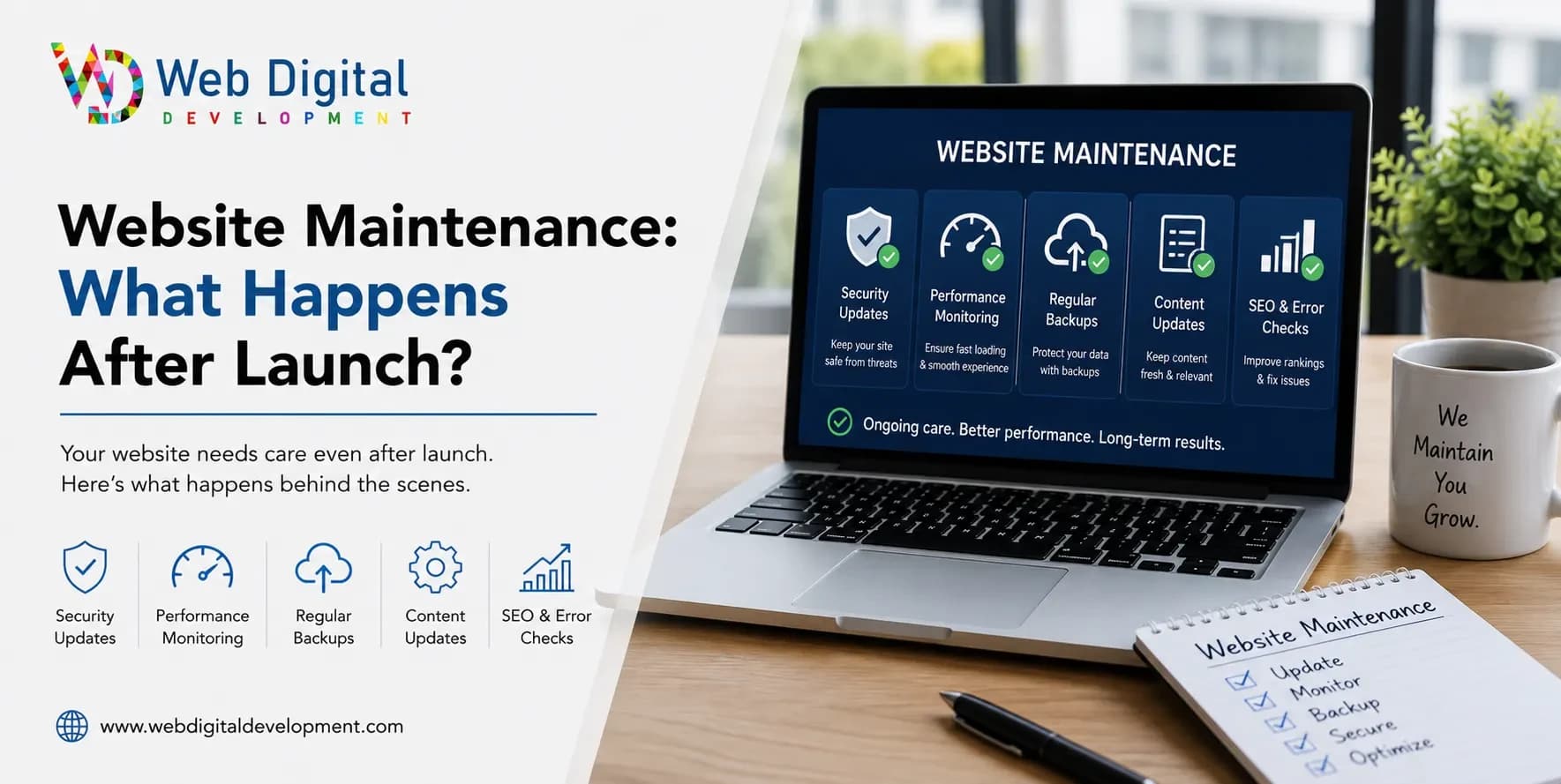
What website maintenance really involves after launch — updates, security, backups and support — and how to decide between DIY and a managed plan.
Launching a website feels like the finish line, but it is really the starting line. Sites need ongoing care to stay fast, secure and current — and neglecting that care is how good websites quietly decay. Website maintenance is the work that keeps your site healthy after go-live. Here is exactly what it covers, why it matters, and how to decide who should handle it.
What is website maintenance and do I need it?
Website maintenance is the routine work of keeping a site updated, secure, backed up and running well after launch — software updates, security checks, backups, fixing broken links and refreshing content. Almost every business needs it. A neglected site becomes slow, insecure and outdated, eroding the trust and rankings you paid to build.
What happens to my website after it launches?
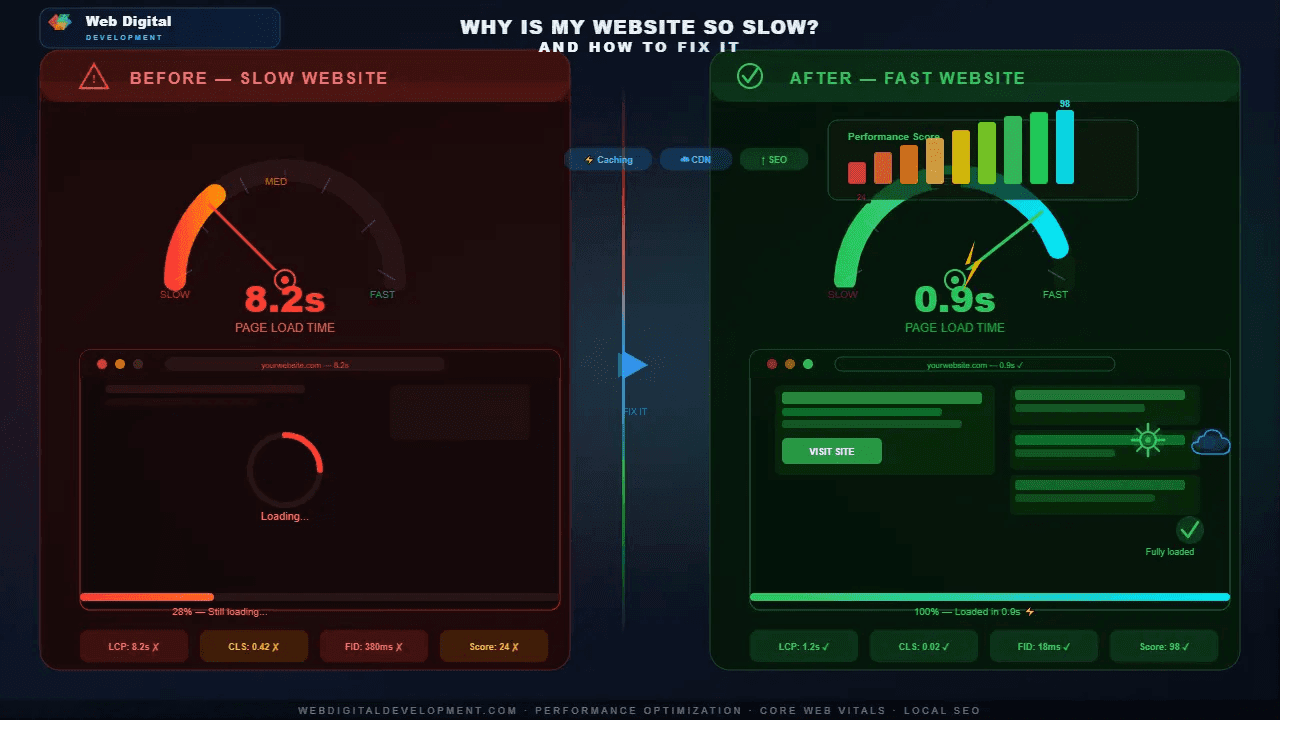
After launch, software ages, security threats evolve, content goes stale, and small things break as browsers and plugins update. Without maintenance, a site gradually slows down, accumulates vulnerabilities, and starts showing outdated information. Ongoing care keeps it fast, safe and accurate — protecting both your reputation and your search rankings over time.
What a maintenance plan usually covers
- Software, plugin and security updates
- Regular backups so you can restore quickly
- Security monitoring and malware checks
- Performance and uptime monitoring
- Fixing broken links and small bugs
- Content updates and minor edits
How often should a website be updated?
Security and software updates should be applied promptly — monthly at minimum, and sooner for urgent patches. Content should be reviewed and refreshed regularly, with new material like blog posts added on a steady cadence. Backups should run automatically and often. The exact rhythm depends on your platform and how active your site is.
Should I maintain my website myself or use a managed plan?
If you are comfortable with updates and backups and have the time, basic DIY maintenance is feasible, especially on a simple site. A managed plan suits owners who would rather focus on their business and want a professional handling security, updates and fixes. The cost of a plan is usually small against the risk of a hacked or broken site.
| Aspect | DIY | Managed plan |
|---|---|---|
| Cost | Lower in cash, costs your time | Monthly fee |
| Expertise | You learn as you go | Professionals handle it |
| Risk | Higher if updates slip | Lower, proactively managed |
| Best for | Simple sites, hands-on owners | Busy owners, business-critical sites |
We cover the first month after launch as standard, and offer ongoing plans through our website development service. You can see how we support clients long-term in our client reviews, or ask about a maintenance plan for your site.
Why does the first month after launch matter most?
The first month after launch is when real visitors use your site for the first time, and small issues surface that no amount of testing fully predicts — a form quirk on a particular phone, a typo, a confusing step. Close support during this window keeps minor problems from quietly costing you early customers.
No matter how thorough the pre-launch testing, the real world is messier than any test environment. Different devices, browsers, networks and user habits reveal edge cases once the site is live. That is why we cover the first month after launch as standard: it is the period when prompt fixes matter most, because every visitor is forming a first impression of your business. During this window we resolve bugs quickly and make small adjustments based on how people actually behave. After that initial month, an ongoing maintenance plan keeps the site secure, updated and healthy for the long term. Think of the first month as settling-in support and the maintenance plan as continued care — both protect the investment you just made in your new website.
Frequently asked questions
What happens if I never maintain my website?
Over time it slows down, security holes go unpatched, and you risk being hacked, defaced or taken offline. Content becomes outdated, links break, and rankings can slip. An unmaintained site eventually undermines the trust and investment behind it. Maintenance is far cheaper than recovering from a serious failure.
How much does website maintenance cost?
It varies with the site's size and complexity, but plans for small business sites are typically a modest monthly fee covering updates, backups, security and minor edits. Larger or e-commerce sites cost more because there is more to manage. Weigh it against the cost and downtime of a site that breaks or gets hacked.
Does a custom-coded site need less maintenance than WordPress?
Often, yes. Custom sites have fewer moving parts and a smaller attack surface, so routine maintenance is lighter, though changes need a developer. WordPress needs regular core and plugin updates for security. Neither is maintenance-free, but the type and frequency of work differ between them.
Can I do basic maintenance myself?
Yes — tasks like updating content, running backups and applying straightforward updates are manageable for many owners, especially with a simple CMS. The trickier parts are security monitoring and fixing things when they break. A common approach is to handle everyday edits yourself and rely on a professional for the technical upkeep.