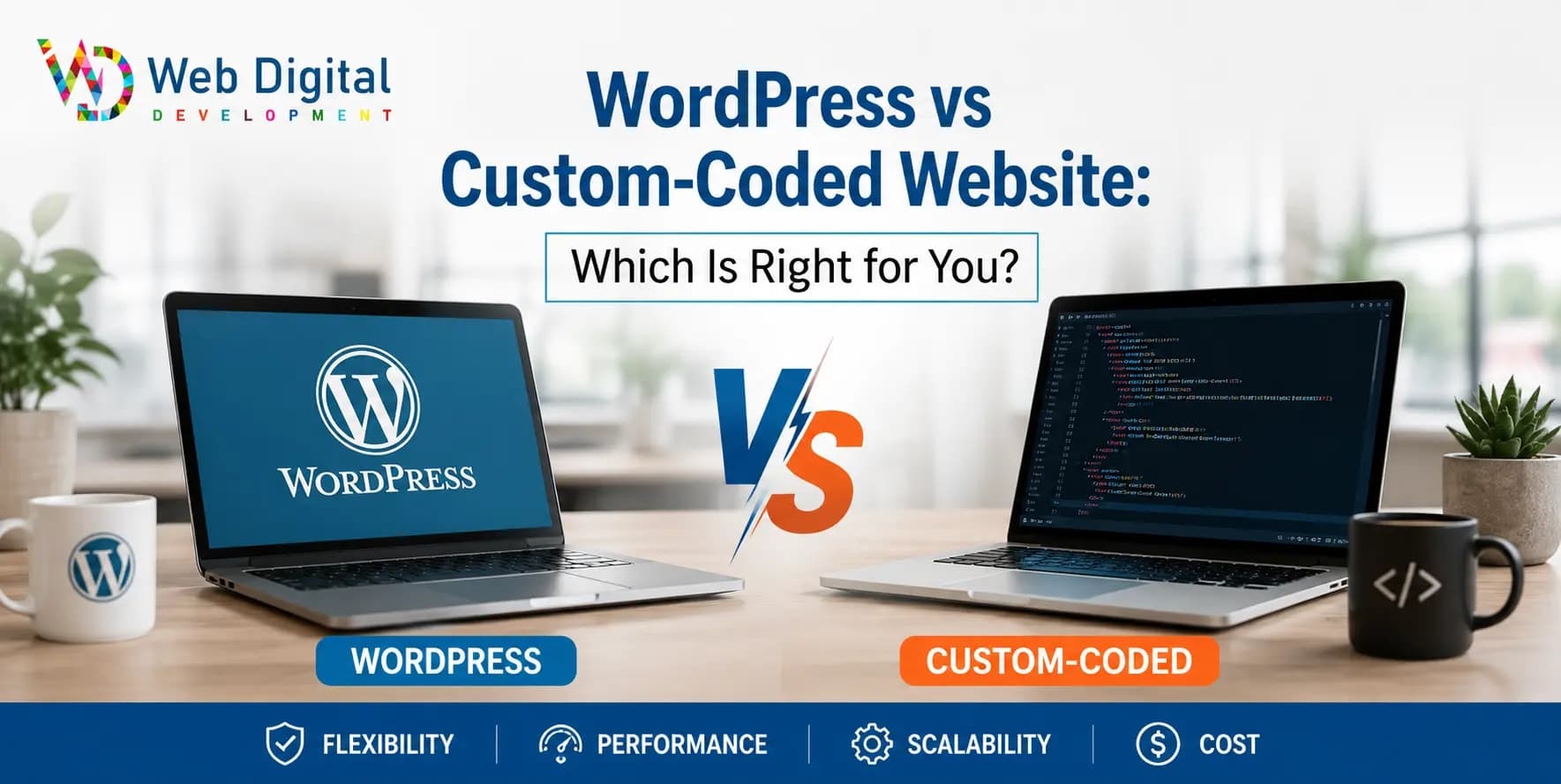
A clear decision guide for WordPress vs custom website — the real trade-offs in cost, speed, control and maintenance, and which fits your business.
When you commission a website, one of the first forks in the road is the platform: an established CMS like WordPress, or a hand-coded custom build. The WordPress vs custom website decision shapes your cost, speed, flexibility and how easily your team can make changes. There is no universal winner — only the right fit for your situation. Here is how to choose without the hype.
Should I use WordPress or a custom website?
Choose WordPress if you want to update content yourself, need a familiar editor, and value a huge plugin ecosystem on a modest budget. Choose a custom-coded site if you need top performance, a unique experience, or specific functionality that plugins handle clumsily. Most small content-led sites lean WordPress; product-led and high-performance sites lean custom.
| Factor | WordPress | Custom-coded |
|---|---|---|
| Upfront cost | Lower | Higher |
| Self-editing content | Easy, built in | Needs a CMS added |
| Performance | Good if kept lean | Excellent |
| Custom features | Plugin-dependent | Unlimited |
| Maintenance | Regular updates needed | Lower, but developer-led |
Is WordPress good for business websites?
Yes — WordPress powers a huge share of the web for good reason. It is flexible, well supported, SEO-friendly with the right setup, and lets non-technical staff publish content without a developer. The catch is discipline: a WordPress site bloated with dozens of plugins becomes slow and insecure. Built lean with a custom theme, it serves most businesses very well.
If WordPress fits, our WordPress development service builds custom themes without Elementor bloat — clean code your team can actually edit.
When is custom code worth the extra cost?
Custom code earns its higher price when performance is critical, when you need bespoke functionality plugins cannot deliver cleanly, or when you want a distinctive experience and full control. E-commerce at scale, web apps, booking systems and high-traffic marketing sites often justify it. For a simple brochure or blog, custom code is usually overkill.
What about the maintenance difference?
WordPress needs regular updates to core, themes and plugins, mainly for security — easy but ongoing. Custom sites have fewer moving parts and a smaller attack surface, so routine maintenance is lighter, but changes typically need a developer. Neither is "set and forget"; the question is whether you would rather self-serve content or hand updates to a pro.
Which is better for SEO?
Both can rank well — SEO depends far more on speed, content and structure than on platform. WordPress with a good setup and a custom site built for performance are both excellent. A poorly built site on either platform will struggle. If you want the technical edge, a fast custom build has a slight advantage on Core Web Vitals.
For a related comparison focused on a modern stack, read Next.js vs WordPress for business websites, or see how we approach builds on our website development service page.
What about headless and hybrid setups?
A headless or hybrid setup pairs a friendly content system with a fast, custom front end — giving you the easy editing of a CMS and the speed of custom code. It is a middle path between pure WordPress and a fully custom build, and it is increasingly popular with businesses that want both performance and self-service editing.
In a headless setup, your content lives in a system your team edits comfortably, while the website visitors actually see is built with modern, fast technology. You get clean performance and strong SEO without giving up the ability to update content yourself. The trade-off is a higher upfront cost and a more specialised team to build and maintain it. For a simple brochure site it is overkill, but for a content-heavy business that also cares deeply about speed, it can genuinely be the best of both worlds. If self-editing and performance both rank high on your list, ask your studio whether a hybrid approach fits your budget and goals better than choosing one extreme or the other.
Frequently asked questions
Can I move from WordPress to a custom site later?
Yes. Content can be migrated to a custom build, and your domain stays the same. Plan the URL structure and redirects carefully to protect SEO. Many businesses start on WordPress to launch quickly and affordably, then move to custom code once their needs and traffic outgrow the platform.
Is WordPress less secure than a custom website?
WordPress is a bigger target because it is so popular, so it needs regular updates and good hosting to stay secure. A custom site has a smaller attack surface but is not automatically safe. Security comes down to maintenance and good practices on either platform, not the platform name alone.
Which is cheaper over five years?
It depends on usage. WordPress is cheaper to start and to self-edit, but plugin licences and maintenance add up. Custom costs more upfront but can be cheaper to run if it is stable and rarely changed. Map your real needs over time rather than comparing only the launch price.
Does my team need technical skills for either?
For WordPress, basic comfort with a dashboard is enough to publish content. For a custom site, you will need a developer for structural changes unless a CMS is added for everyday editing. If self-sufficiency matters most to you, WordPress or a custom site with a friendly CMS is the safer choice.